



Shortcut: Online Tutorials
WEB USER GUIDE:
How to create an expense (mobilexpense.com)
How to approve a Travel Request? (mobilexpense.com)
How to split expenses (mobilexpense.com)
How to create an allowance claim (mobilexpense.com)
How to create an expense report (mobilexpense.com)
How to create a mileage claim (mobilexpense.com)
How to approve an expense report (mobilexpense.com)
How to upload an expense using OCR? (mobilexpense.com)
MOBILE USER GUIDE
How to create an expense with OCR in SpendCatcher (mobilexpense.com)
How to create a mileage in SpendCatcher (mobilexpense.com)
How to create an allowance in Spendcatcher (mobilexpense.com)
How to create an expense without OCR in SpendCatcher (mobilexpense.com)
How to split an expense with Spendcatcher (mobilexpense.com)
How to create and submit a report in SpendCatcher (mobilexpense.com)
How to approve an expense report in SpendCatcher (mobilexpense.com)
How to use the deputy function in SpendCatcher (mobilexpense.com)
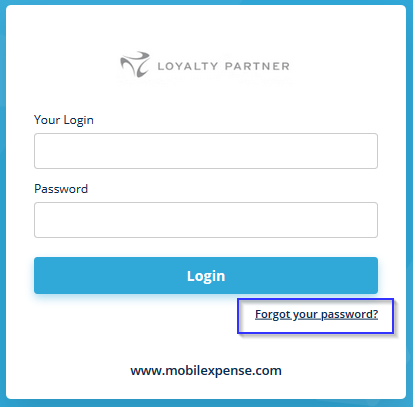
Forgot your password?
If you have forgotten your password, you will receive an email from MobileXpense via the "Forgot your password?" field and providing your user ID, which will contain a link to create a new password for you.