





Self Service HR Portal
HERE
The Self Service is available for you here. The link is also saved in the company favorites.
**News July 2024: Self Service HR weblink goes mobile
To be able to use the weblink of Self Service, set up the company environment on your device. This is of course already available for company cell phones, but if you are using your private device, a few setup steps are necessary in advance.
Our helpdesk has the necessary documentation available for you.
HERE you can find the HOW TO's.
Microsoft Intune (sharepoint.com)
Please read through, complete the steps and then access the Self Service mobile. Questions about Intune or myapps.microsoft.com will be answered by our Workplaces Services team. The HR Operations team at payroll@payback.group is also happy to answer general questions. In the start-up phase, please give your feedback and reply HERE. Thank you very much.
And how do I find the Self Service?
- Start Edge browser
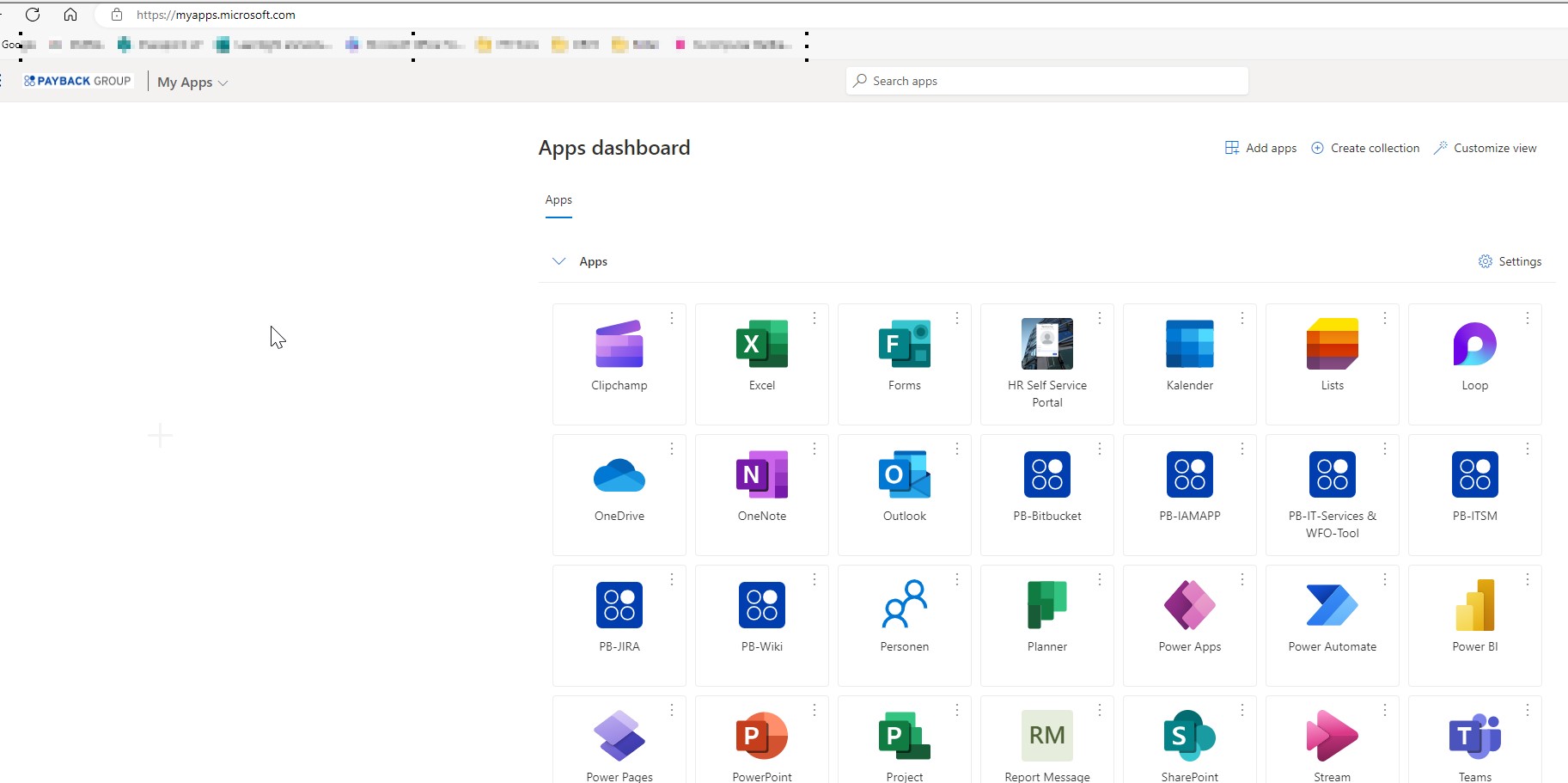
- Enter myapps.microsoft.com (it's best to save it on the home screen) or save the link as a favorite in the browser
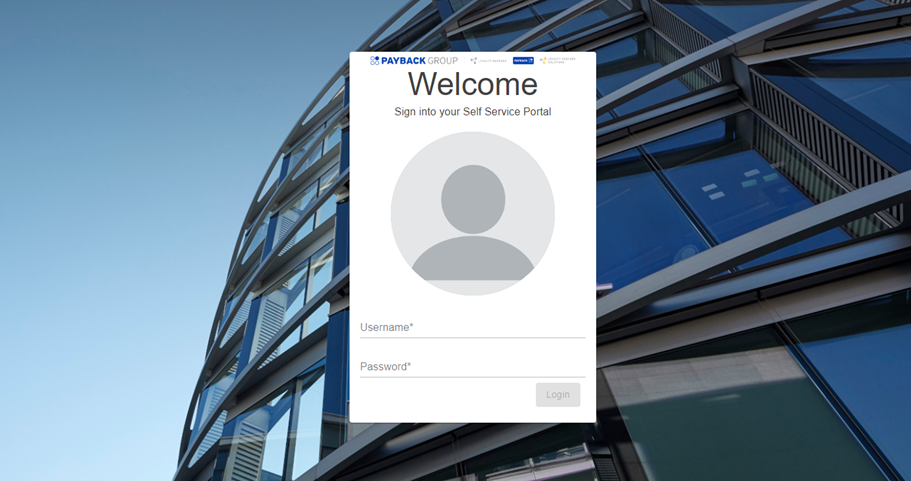
- The tile is visible there with the familiar Self Service image
- Log in with your company login data
- Use self-service with the usual functions (e.g. reporting sick from home)
Questions about Self Service? Please create a ticket under Helpdesk / HR Tools / Self Service HR Issue. Describe the error there. Please do not include any personal data or screenshots with personal data. Please only explain the issue in text form.
HOW TO videos
Review: Target setting - general information on self service
Sick notes & edit your sick notes (version 2024)
Sick notes for children - How to register children (see chapter 3)